
Manage positions
How to read the Positions screen, and how to rebalance, add liquidity, claim fees and close, one position at a time or all at once.
Positions lists every open position across your wallets and the chains chosen in the top bar. It is where you look after them.
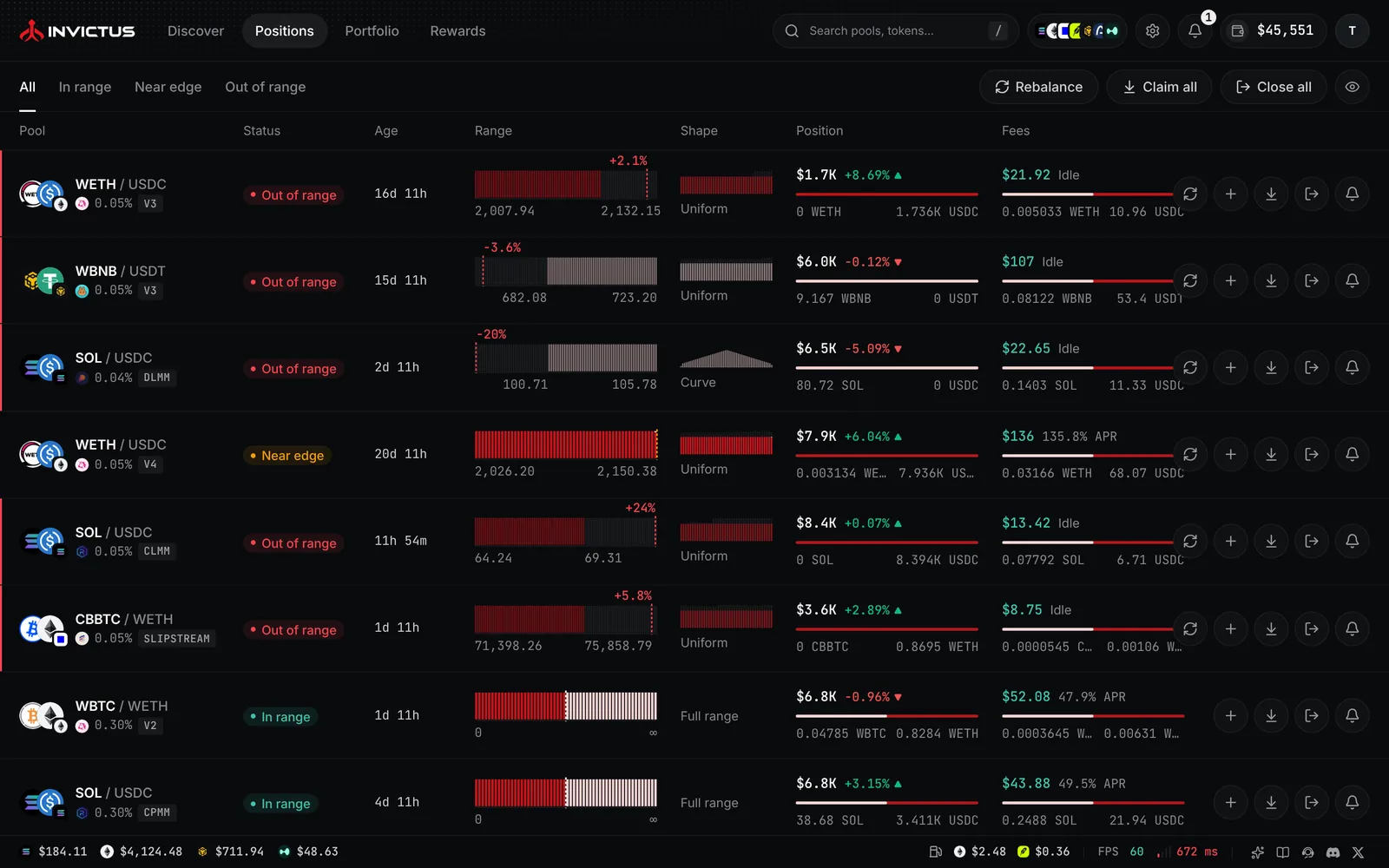
Read a position
| Column | What it shows |
|---|---|
| Pool | The pair, protocol, fee tier and chain. |
| Position | Its value now and its range. Bin positions also show their shape. |
| Fees | Fees earned and not yet claimed. |
| Status | In range (earning), Near edge (about to leave its range) or Out of range (not earning). |
| Age | How long it has been open. |
Idle means the position is not earning right now. Not valued means there is no reliable price for it at the moment; it is left out of totals rather than counted as zero.
Use the filters All, In range, Near edge and Out of range to find the ones that need you.
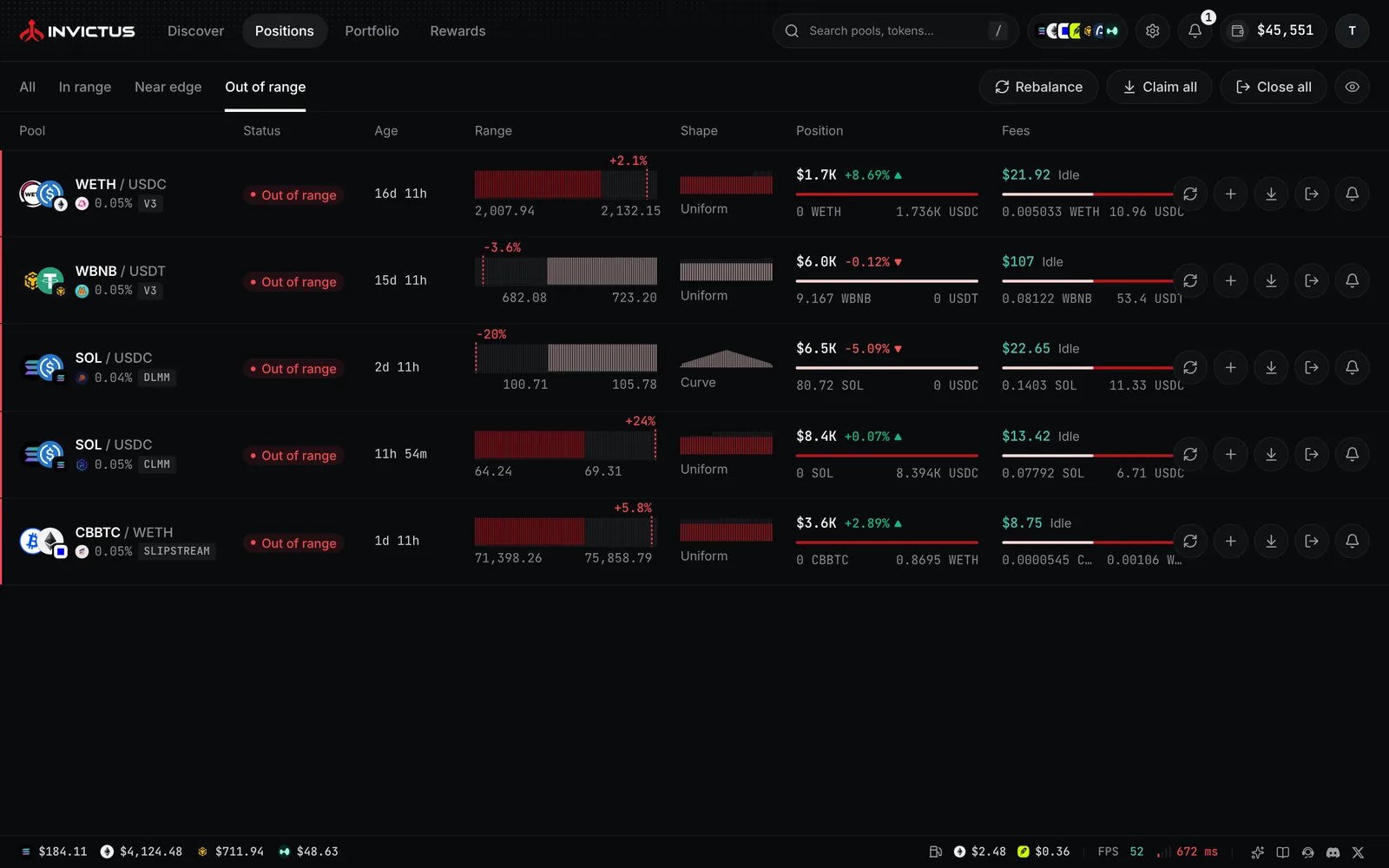
Actions on one position
Each row has four actions. Each opens a small dialog with what will happen, the costs and a button to confirm, followed by the same review and signing step as when you opened it.
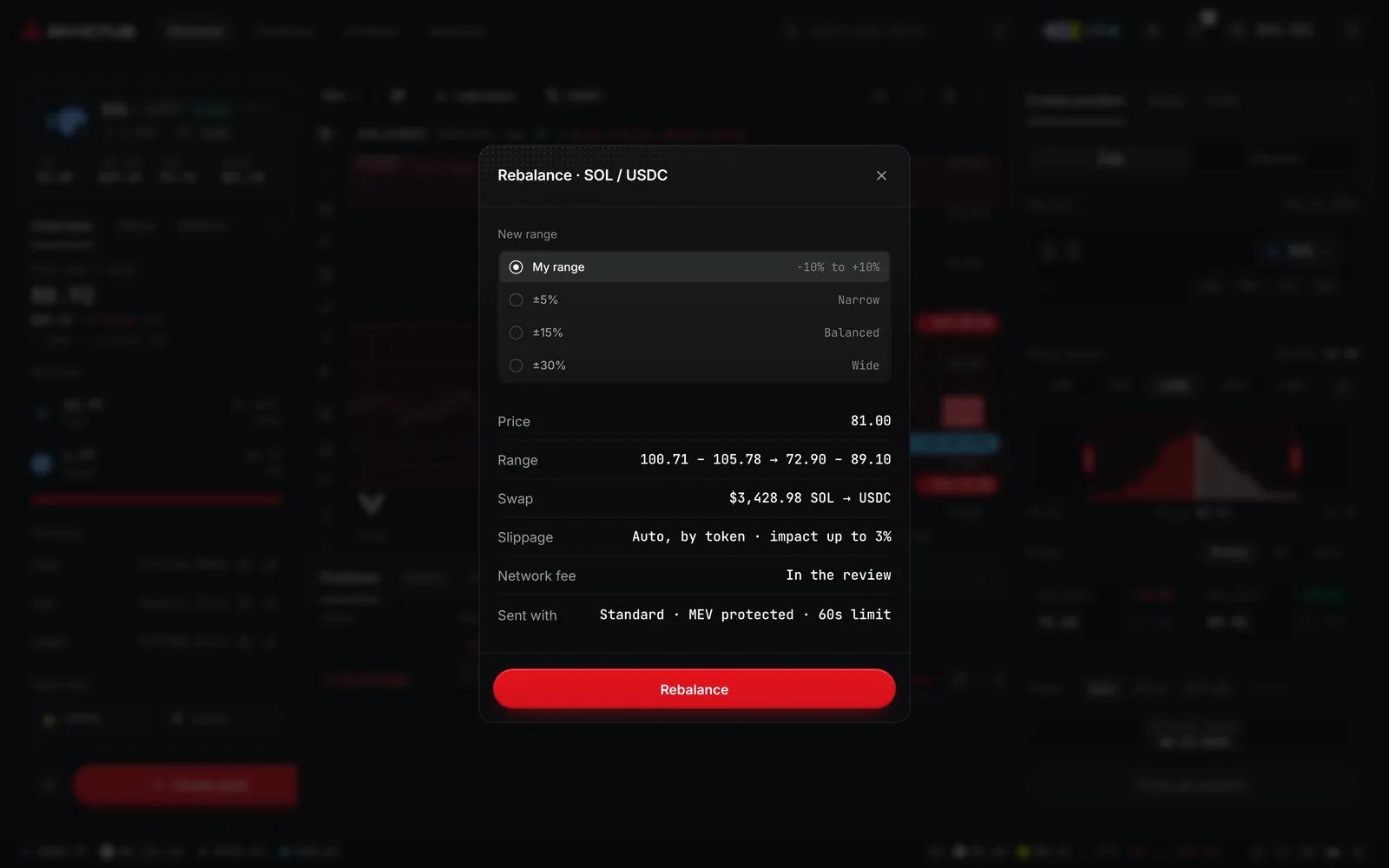
Rebalance
Moves the range back around the current price: Invictus withdraws, swaps to the new mix and deposits again. Choose the New range: My range (your default from Settings), ±5% (narrow), ±15% (balanced) or ±30% (wide).
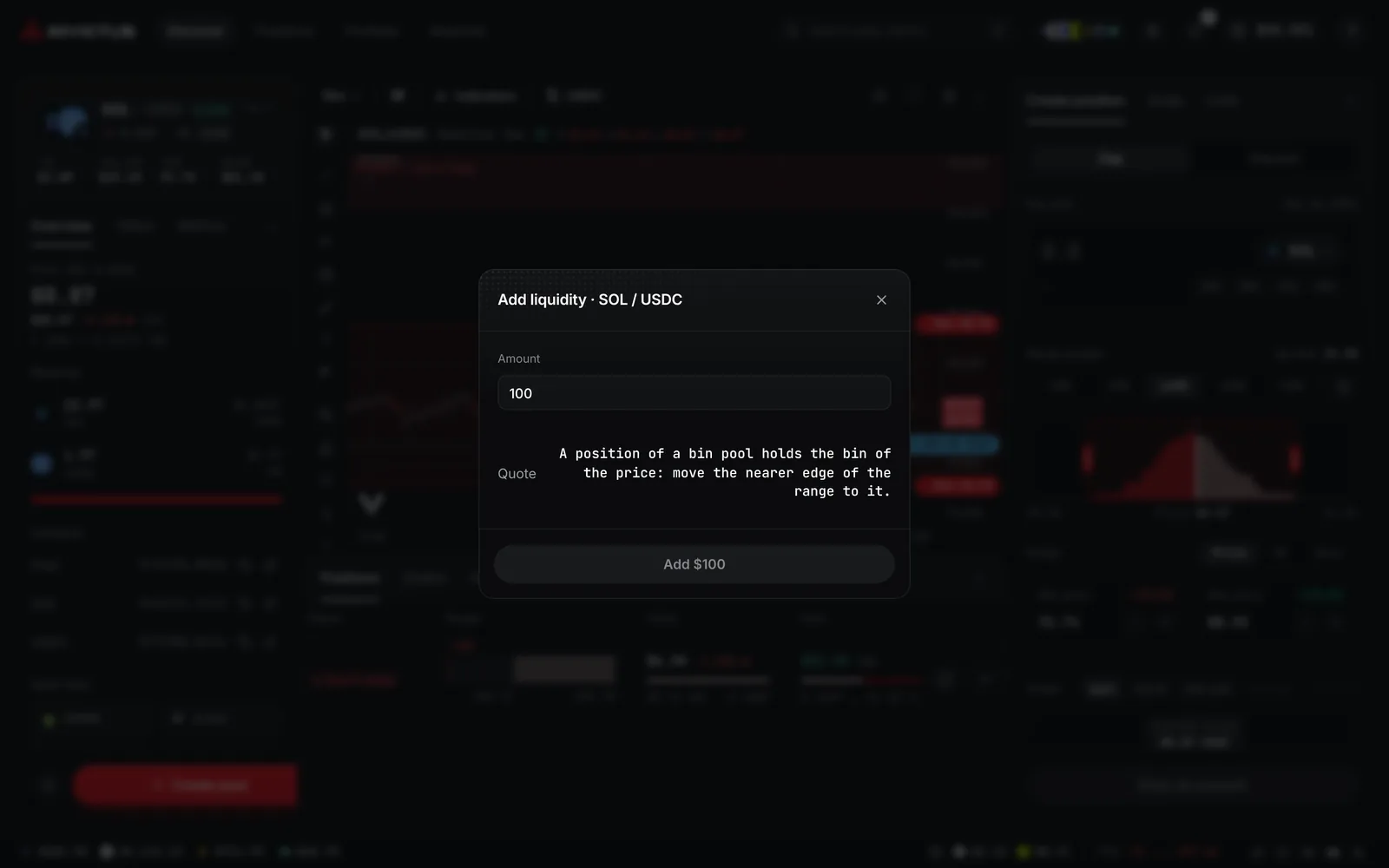
Add liquidity
Adds more to the same position, in the same range.
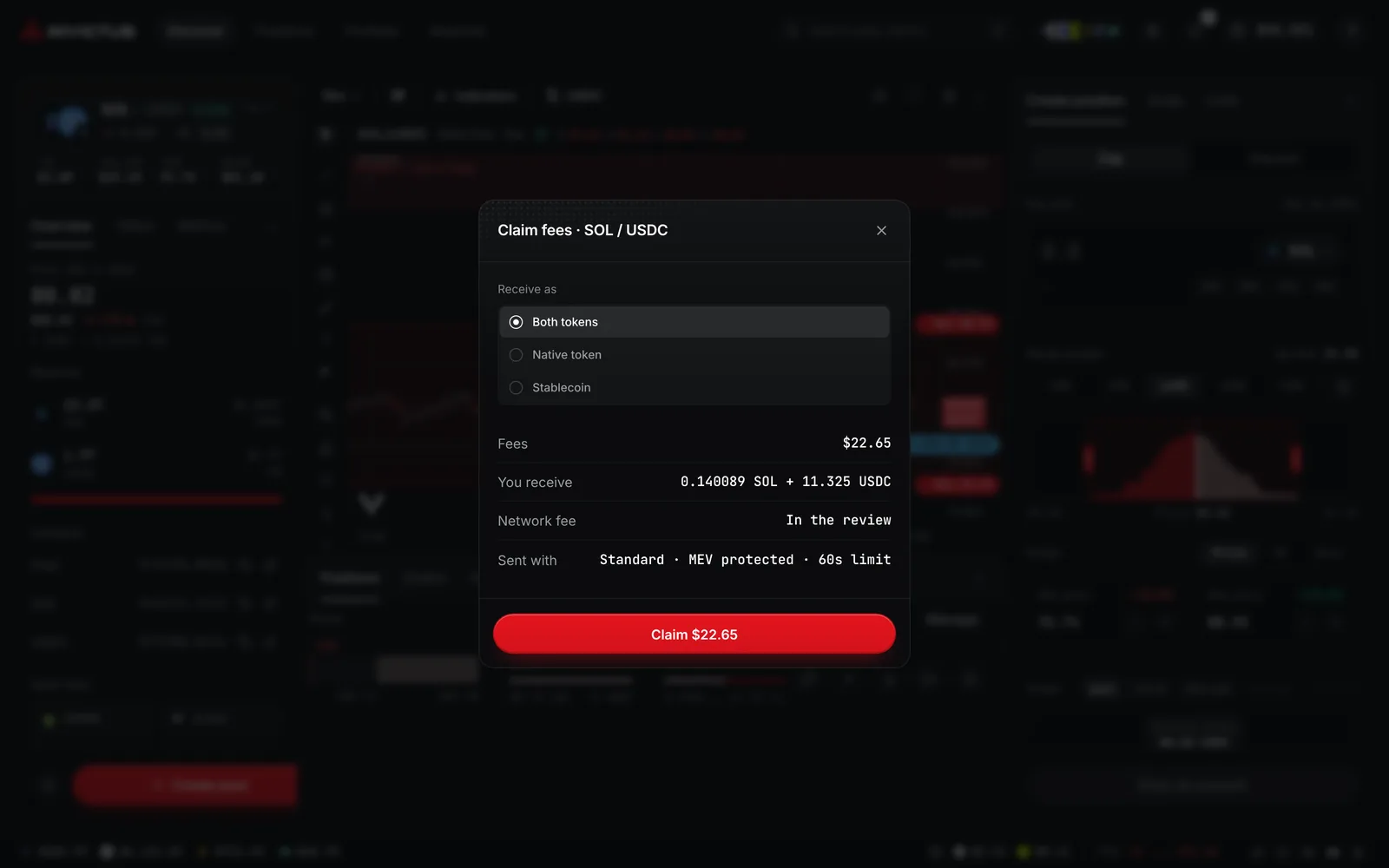
Claim fees
Sends the fees the position has earned to your wallet. The position stays open.
Close
Withdraws liquidity. Choose how much to Withdraw: All, and close, 50% or 25%. Choose how to Receive as: Both tokens, the Native token or a Stablecoin. Unclaimed fees are paid out with it.
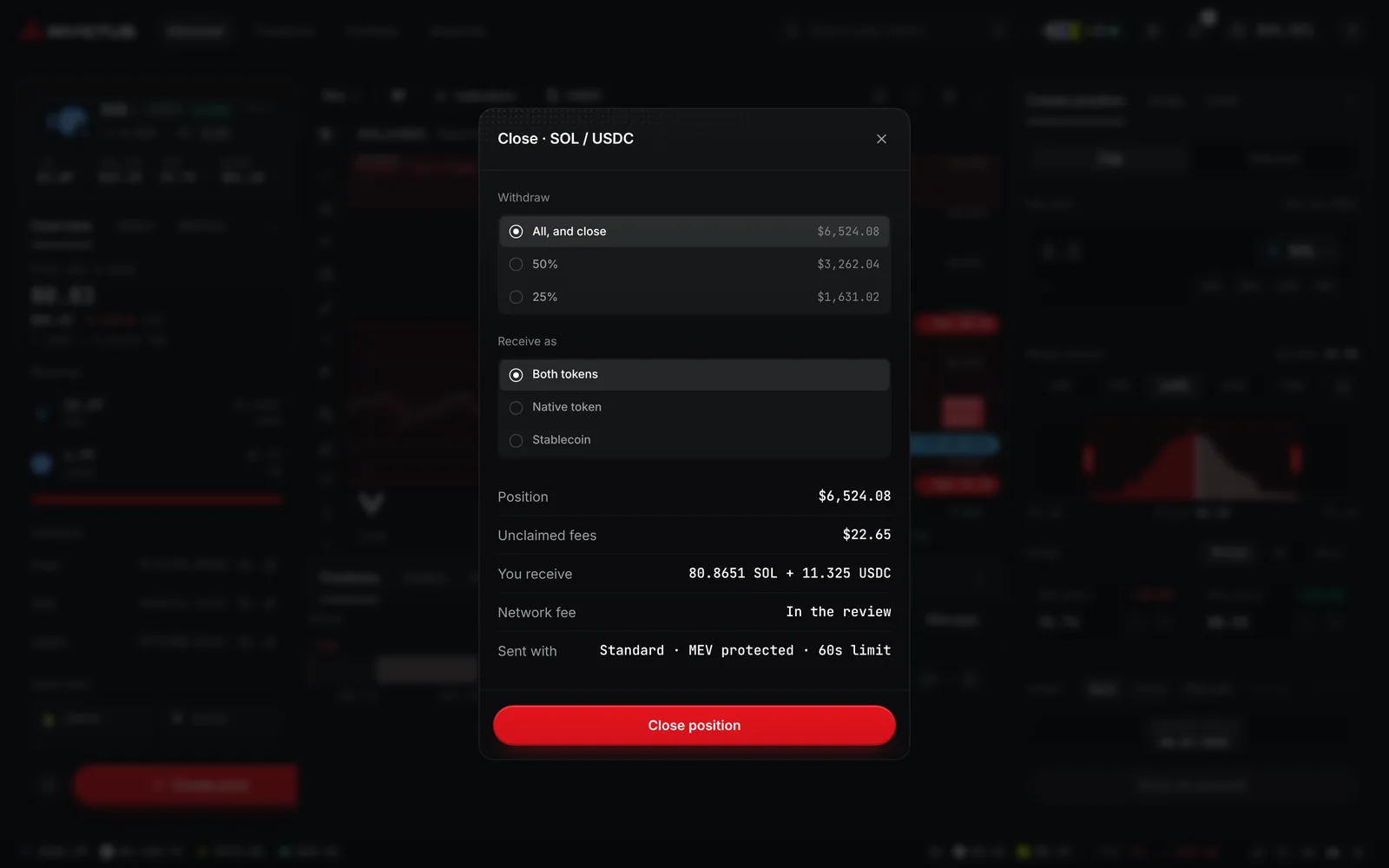
The dialog shows You receive and At least, the least you will get after slippage.
Actions on many positions
The buttons above the list act on every position the filter shows:
- Rebalance: rebalances them all to the range you choose.
- Claim all: claims the fees of each one.
- Close all: closes them all.
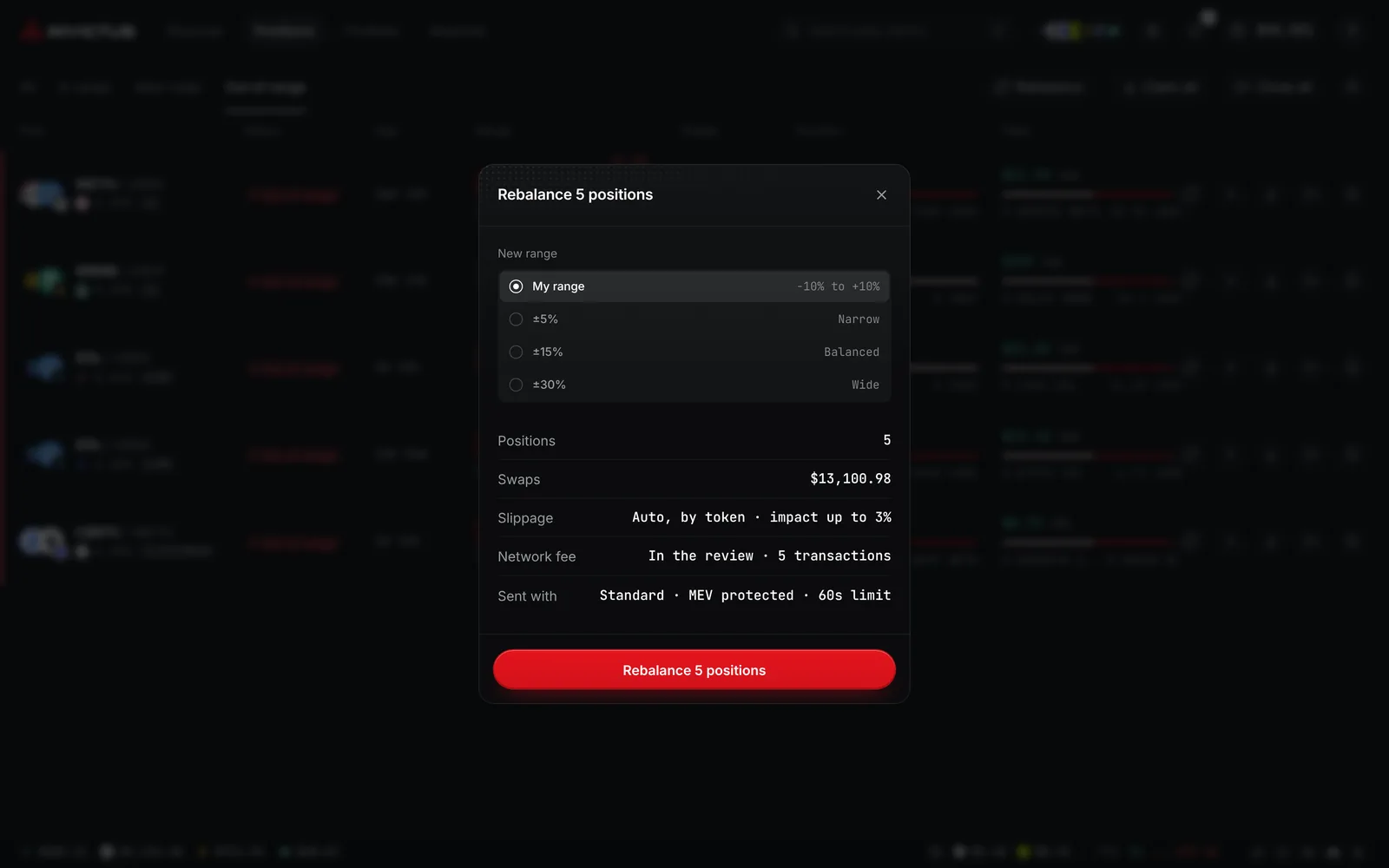
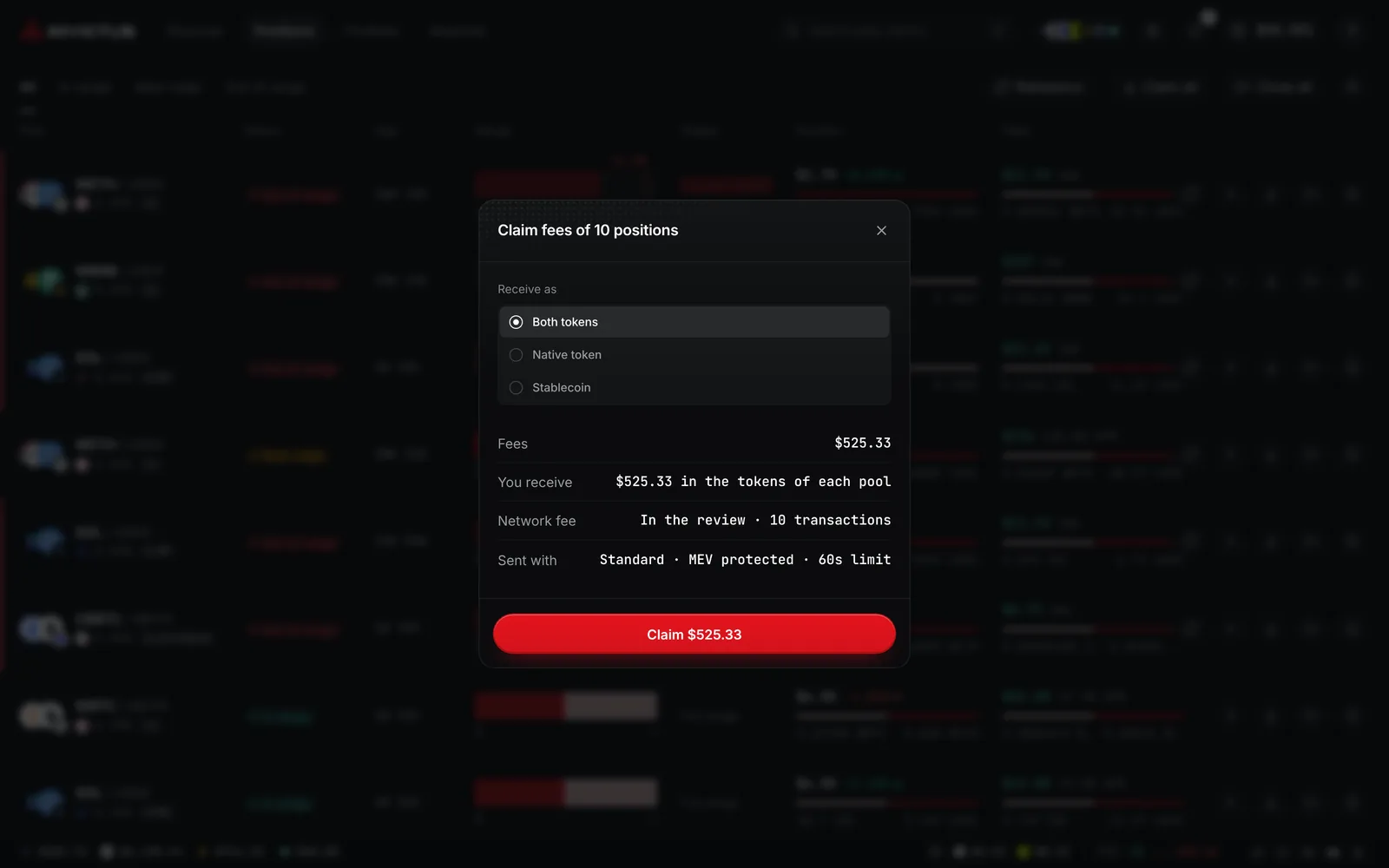
Each position still gets its own transactions in the review, so you can see exactly what will be signed.
Alerts
The bell on a row sets alerts on that position: out of range, back in range, near its edge, fees ready, value moved or closed elsewhere. See Alerts.