
Settings
Every Invictus setting by section, what it changes and when you might want to change it.
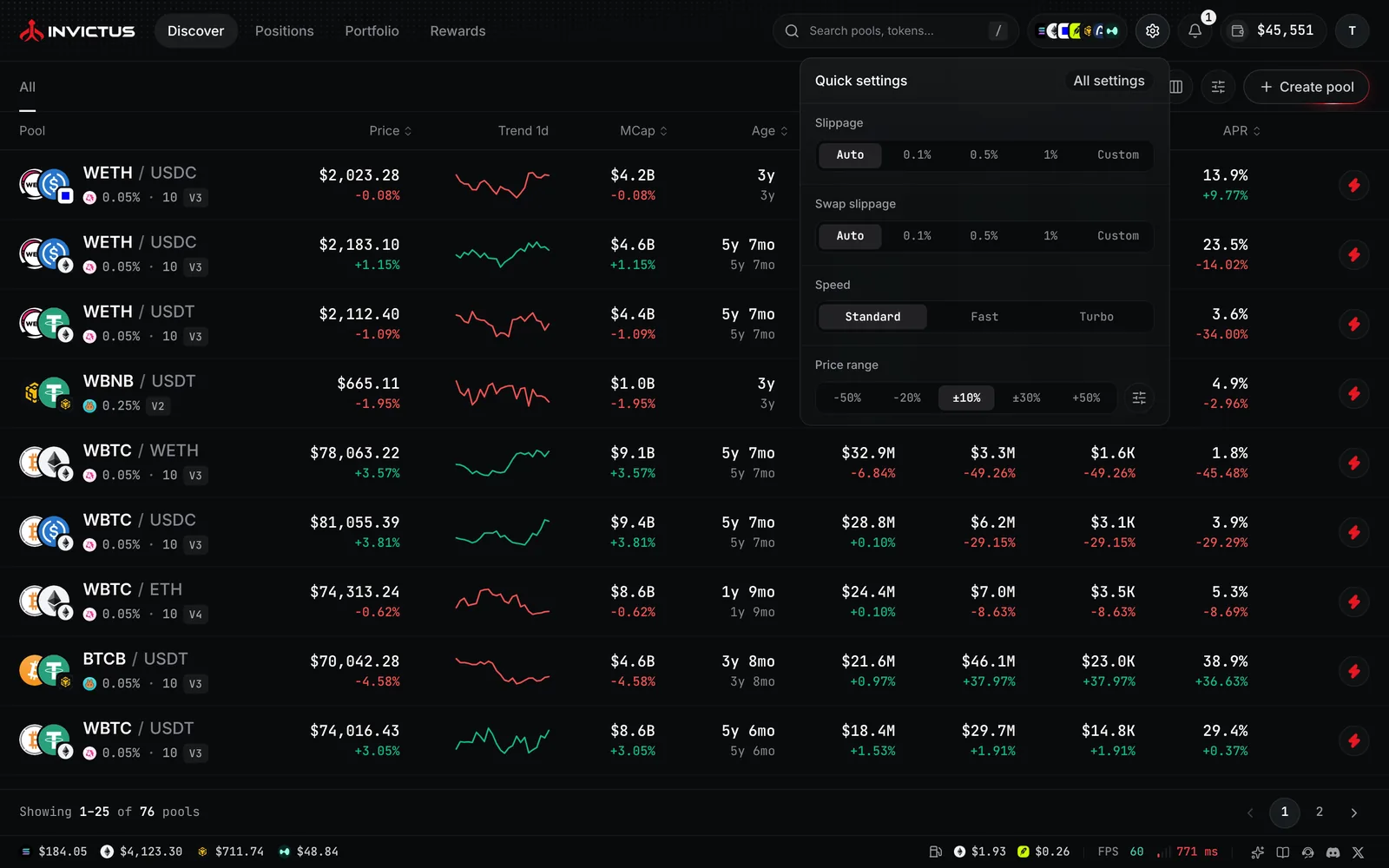
Open Settings from the account menu, or press the gear in the top bar for Quick settings and then All settings. A change applies at once. Reset every setting returns everything to its default.
Trading
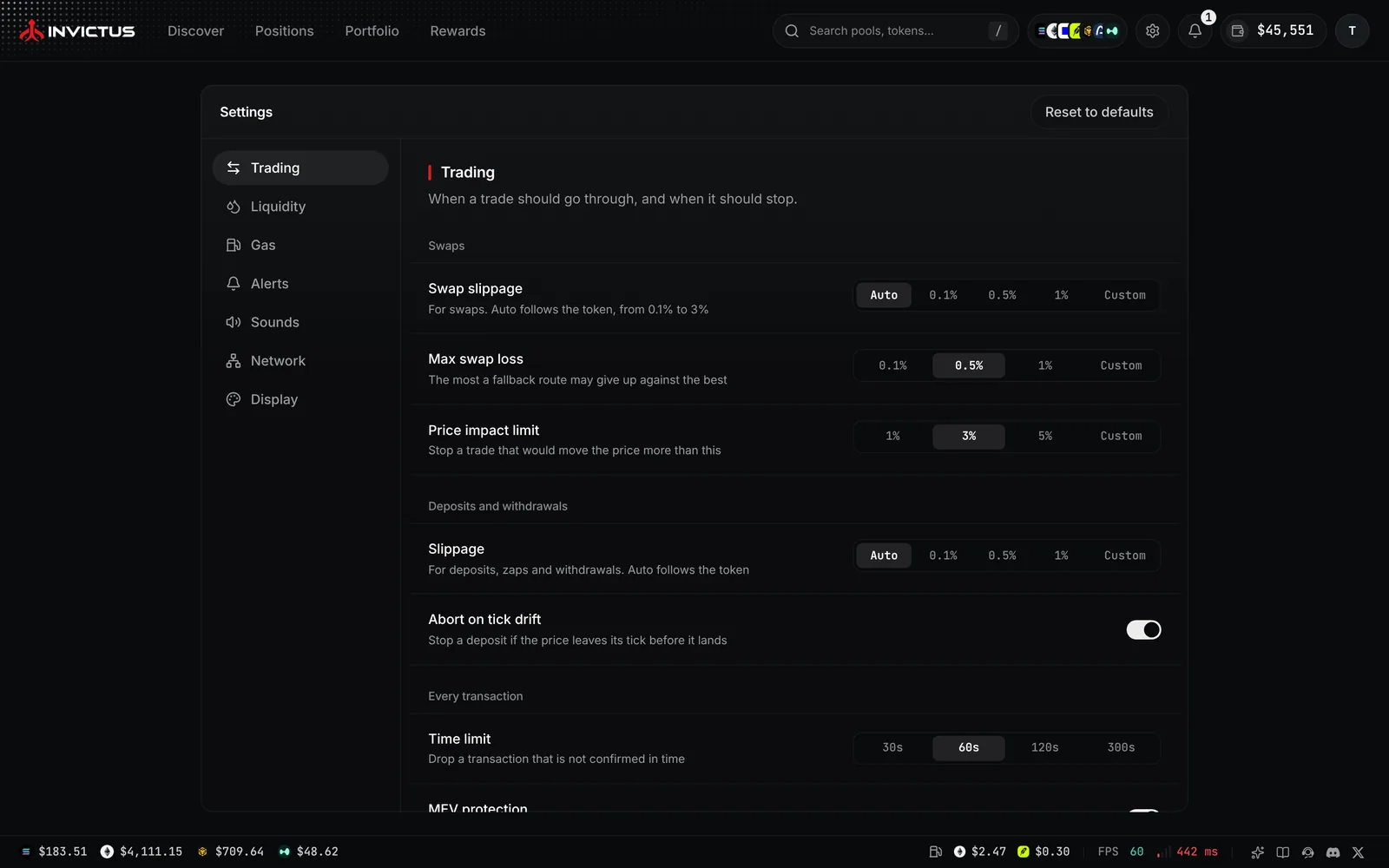
When a trade should go through, and when it should stop.
| Setting | What it does |
|---|---|
| Slippage | How far the price may move during a deposit, zap or withdrawal before it is cancelled. Auto follows the token. |
| Swap slippage | The same for swaps. Auto follows the token, from 0.1% to 3%. |
| Max swap loss | The most a fallback route may give up compared with the best route. |
| Abort on tick drift | Stops a deposit if the price leaves its tick before the deposit lands. |
| Price impact limit | Stops a trade that would move the price more than this. |
| Time limit | Drops a transaction that is not confirmed in time. |
| Hold to zap | You hold the Zap button for a moment, so a stray tap starts nothing. |
| After a zap | Stay on the list (Nothing), Open the pool, or open it in a New tab. |
| MEV protection | Sends privately, out of reach of bots that trade ahead of you. |
| Review before sending | A last look at each workstation action before you sign. A quick zap from a list skips it. |
Liquidity
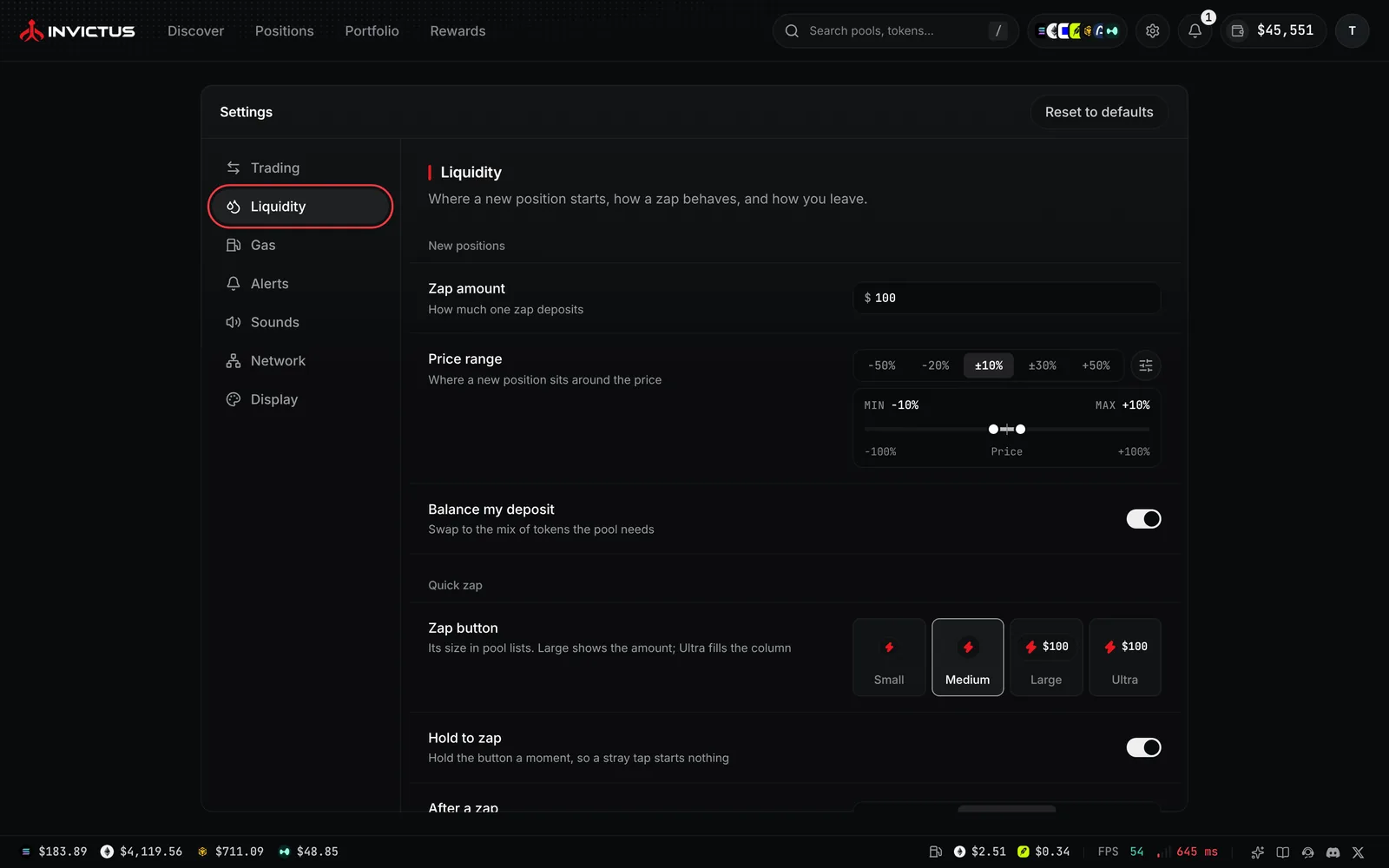
Where a new position starts, how a zap behaves and how you leave.
| Setting | What it does |
|---|---|
| Zap amount | How much one zap deposits. |
| Price range | Where a new position sits around the price: a lower and an upper edge, in percent from the current price. |
| Balance my deposit | Swaps to the mix of tokens the pool needs, so you can deposit with one token. |
| Withdraw as | What you receive when you close: Both tokens, the Native token or a Stablecoin. |
Gas
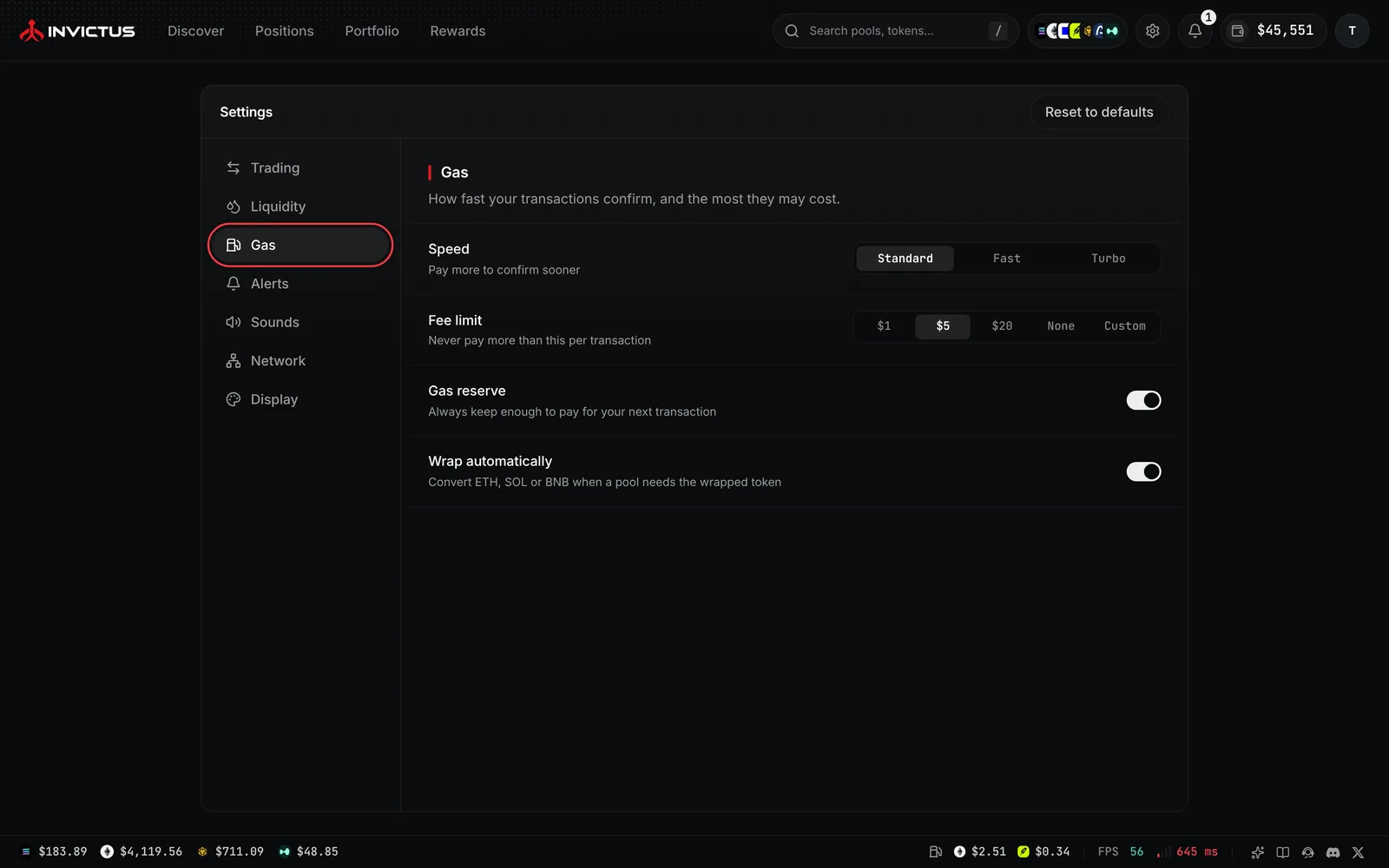
How fast your transactions confirm, and the most they may cost.
| Setting | What it does |
|---|---|
| Speed | Standard, Fast or Turbo. Pay more to confirm sooner. |
| Fee limit | Never pay more than this per transaction, or None for no limit. |
| Gas reserve | Always keeps enough of the gas token for your next transaction. |
| Wrap automatically | Converts ETH, SOL or BNB to its wrapped version when a pool needs it. |
Alerts
What Invictus tells you about by default: out of range, near the edge, fees ready and transactions. See Alerts.
Sounds
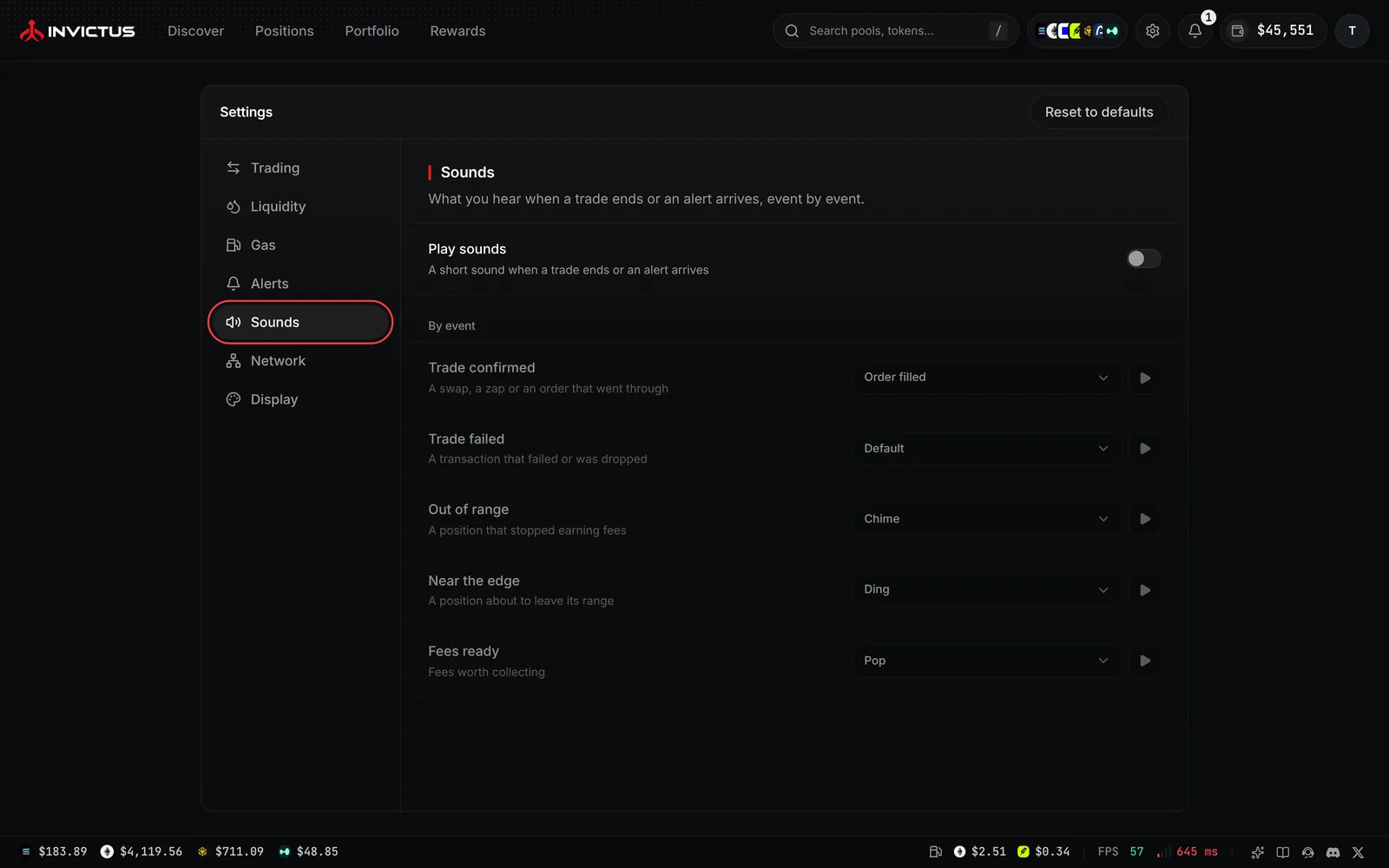
Play sounds turns on a short sound when a trade ends or an alert arrives. You can pick a sound for each event, or None.
Network
Where addresses open and where your transactions are sent, chain by chain. Choose a Chain, then:
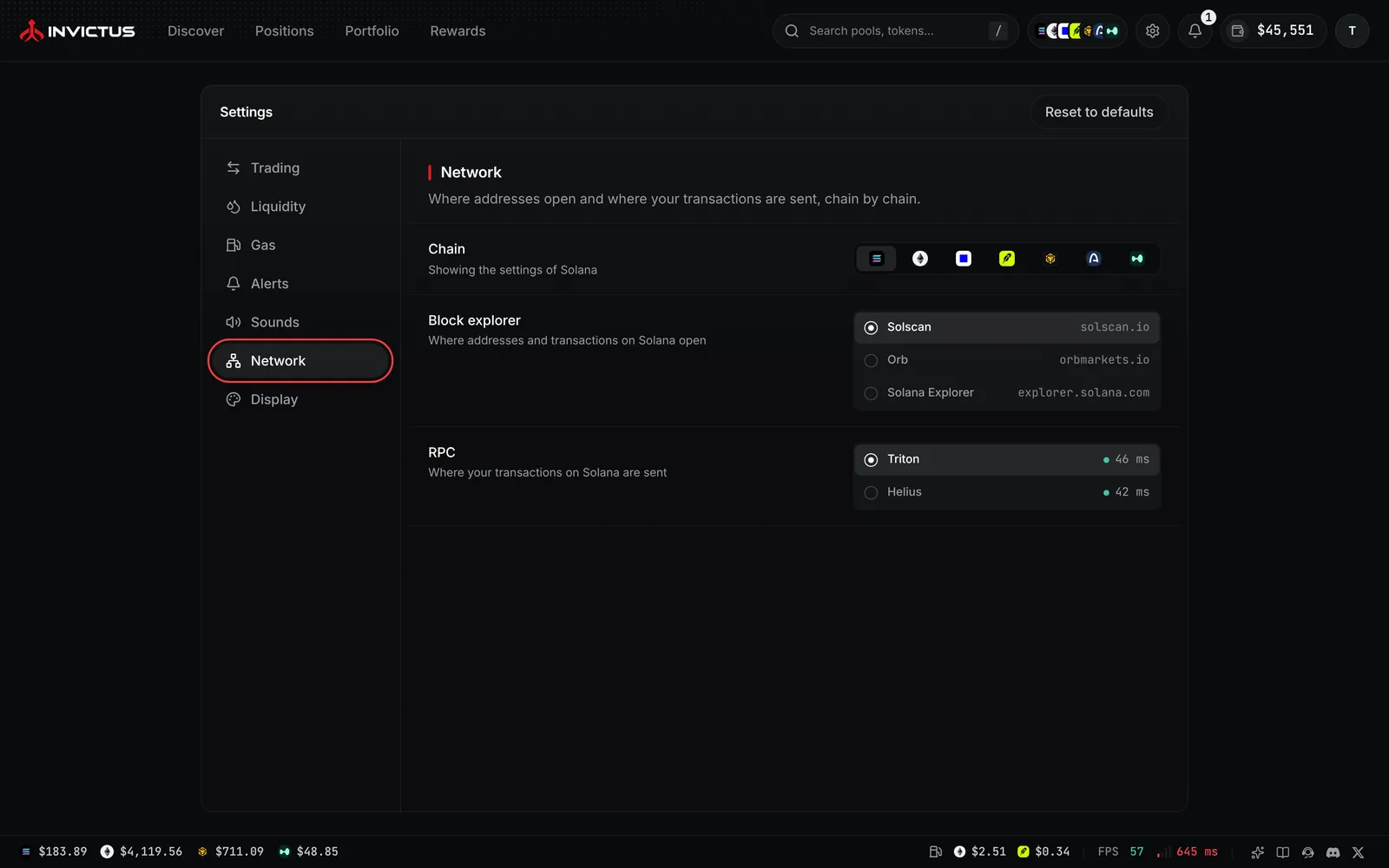
- RPC: the provider your transactions on that chain are sent through.
- Block explorer: the site where addresses and transactions on that chain open.
Display
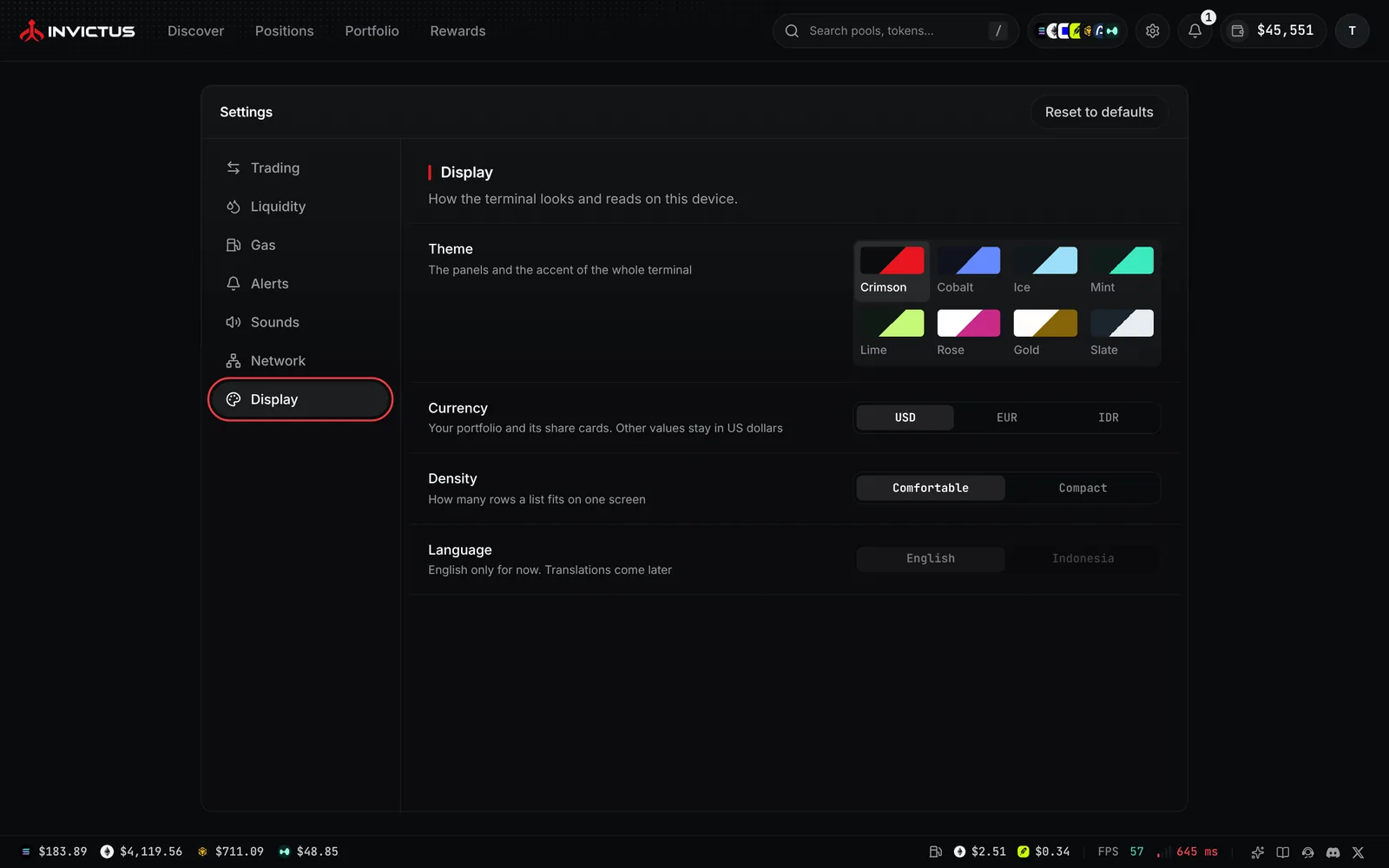
How the terminal looks and reads on this device.
| Setting | What it does |
|---|---|
| Theme | The panels and the accent colour of the whole terminal. |
| Zap button | Its size in pool lists. Large shows the amount; Ultra fills the column. |
| Density | Comfortable or Compact: how many rows a list fits on one screen. |
| Currency | The currency of your portfolio and share cards. Other values stay in US dollars. |
| Language | English for now. Translations come later. |