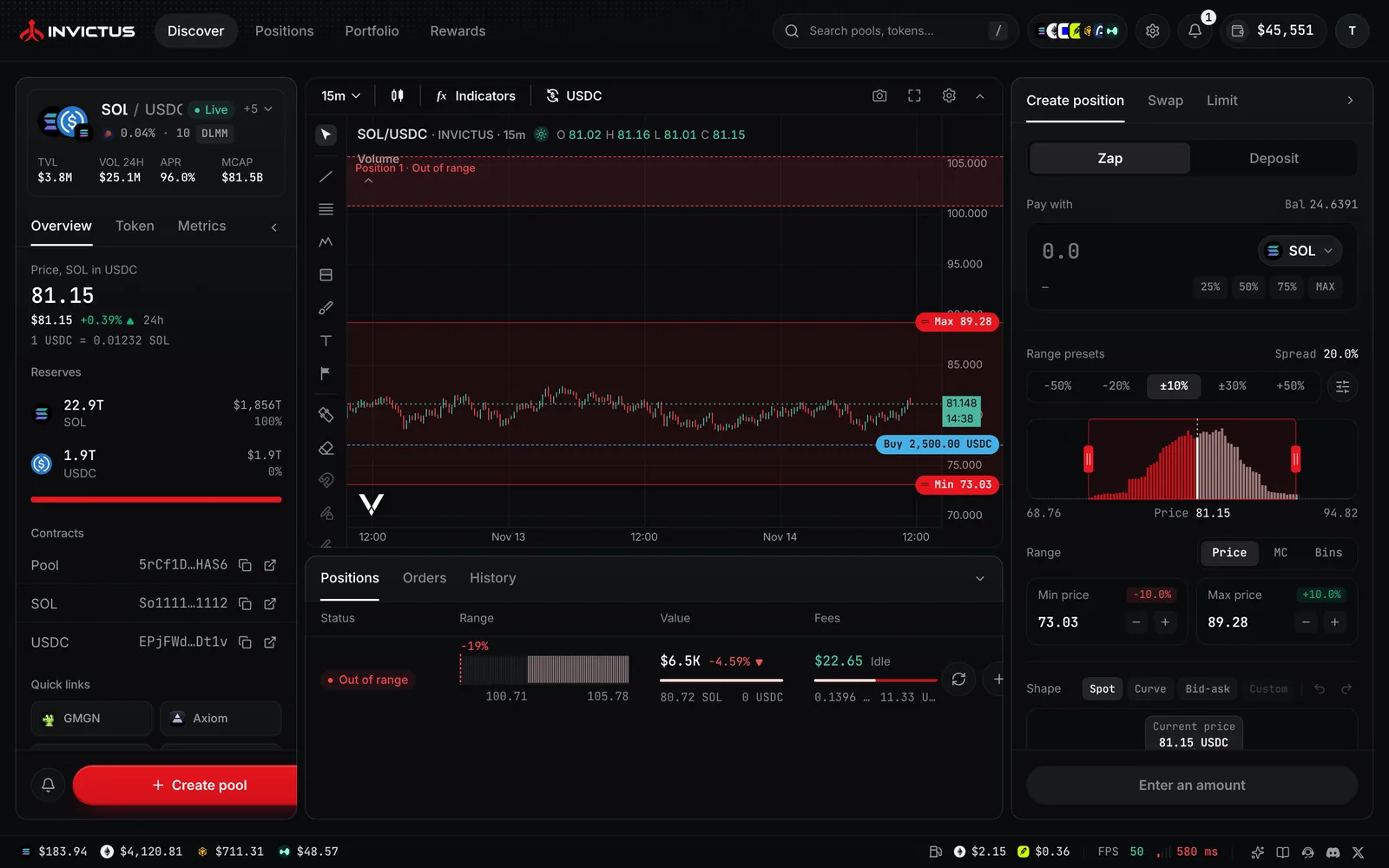
Read a pool in the workstation
The pool workstation explained panel by panel: the chart, the trade panel, the pool panel with its token safety checks, and your activity in the pool.
Click any pool to open its workstation. Everything about that one pool is on a single screen, so you can decide whether to provide liquidity and act without leaving it.
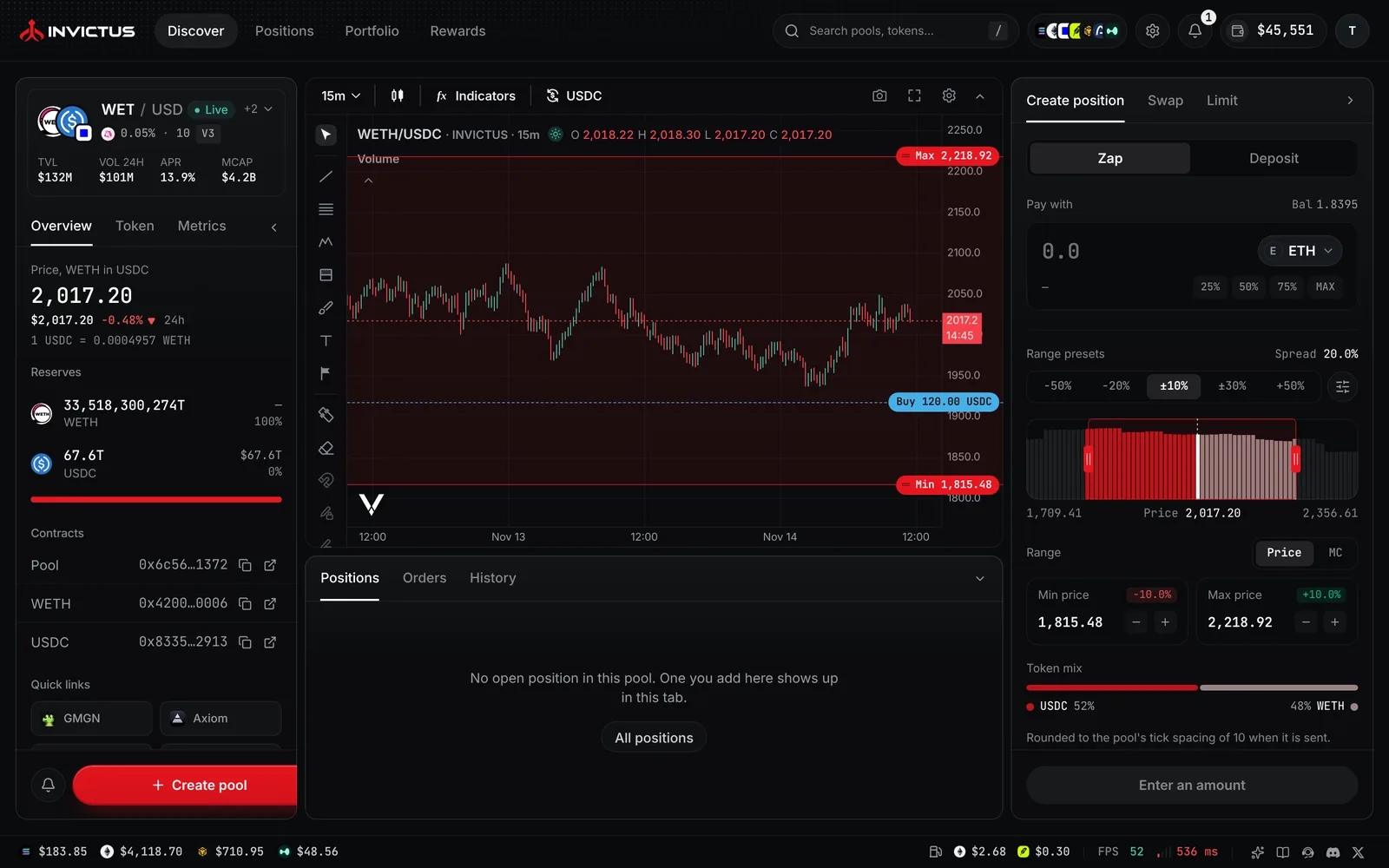
The workstation has four parts:
- The chart, in the middle: the pool’s price over time.
- The trade panel, on the right: Create position, Swap and Limit.
- The pool panel, on the left: Overview, Token and Metrics, with the security checks.
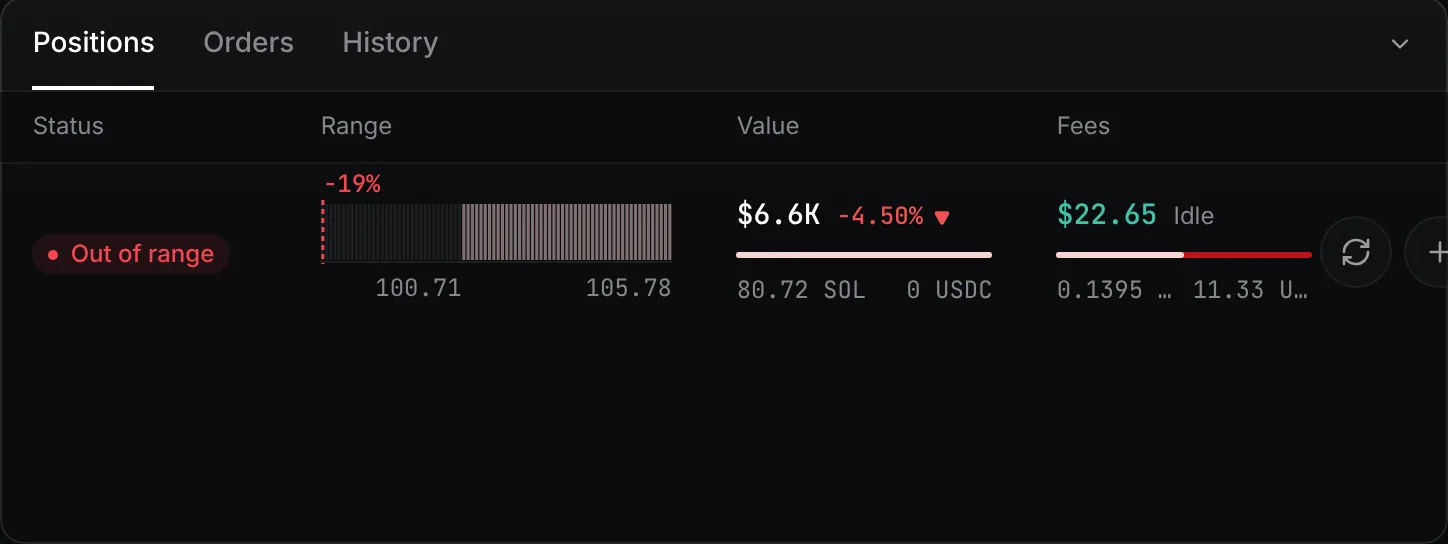
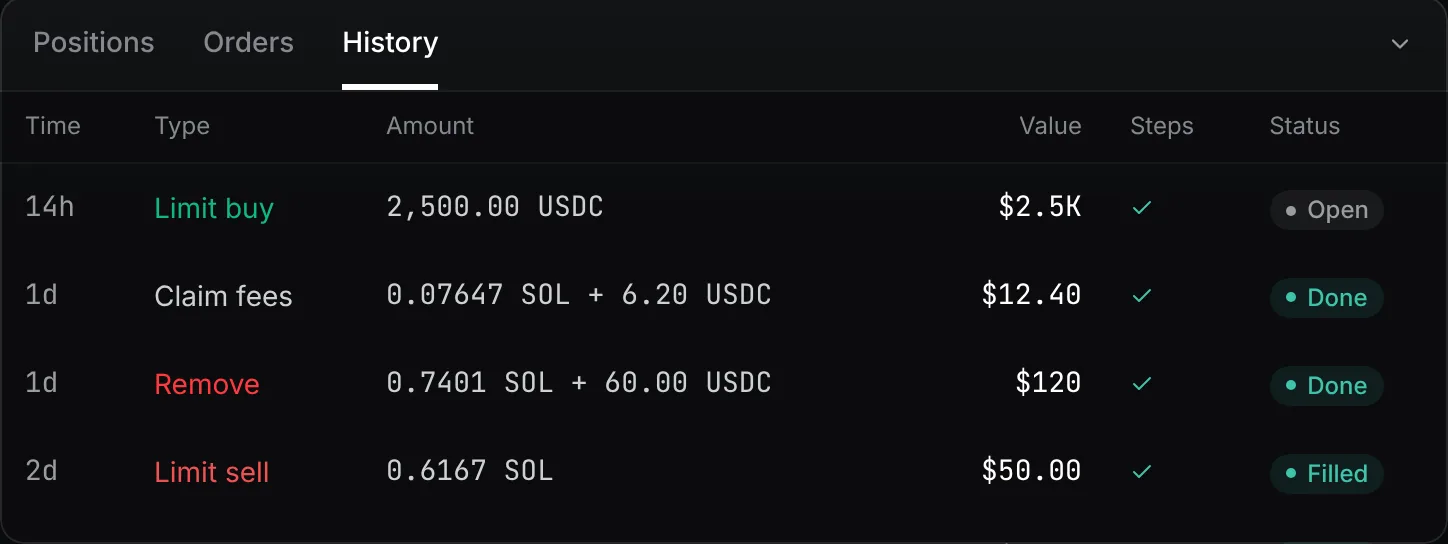
- Activities, below the chart: your positions, orders and history in this pool.
The chart
The chart shows the price of the base token in the quote token, as candles. While you create a position, your chosen range is drawn over the chart, so you can see how often the price has stayed inside it.
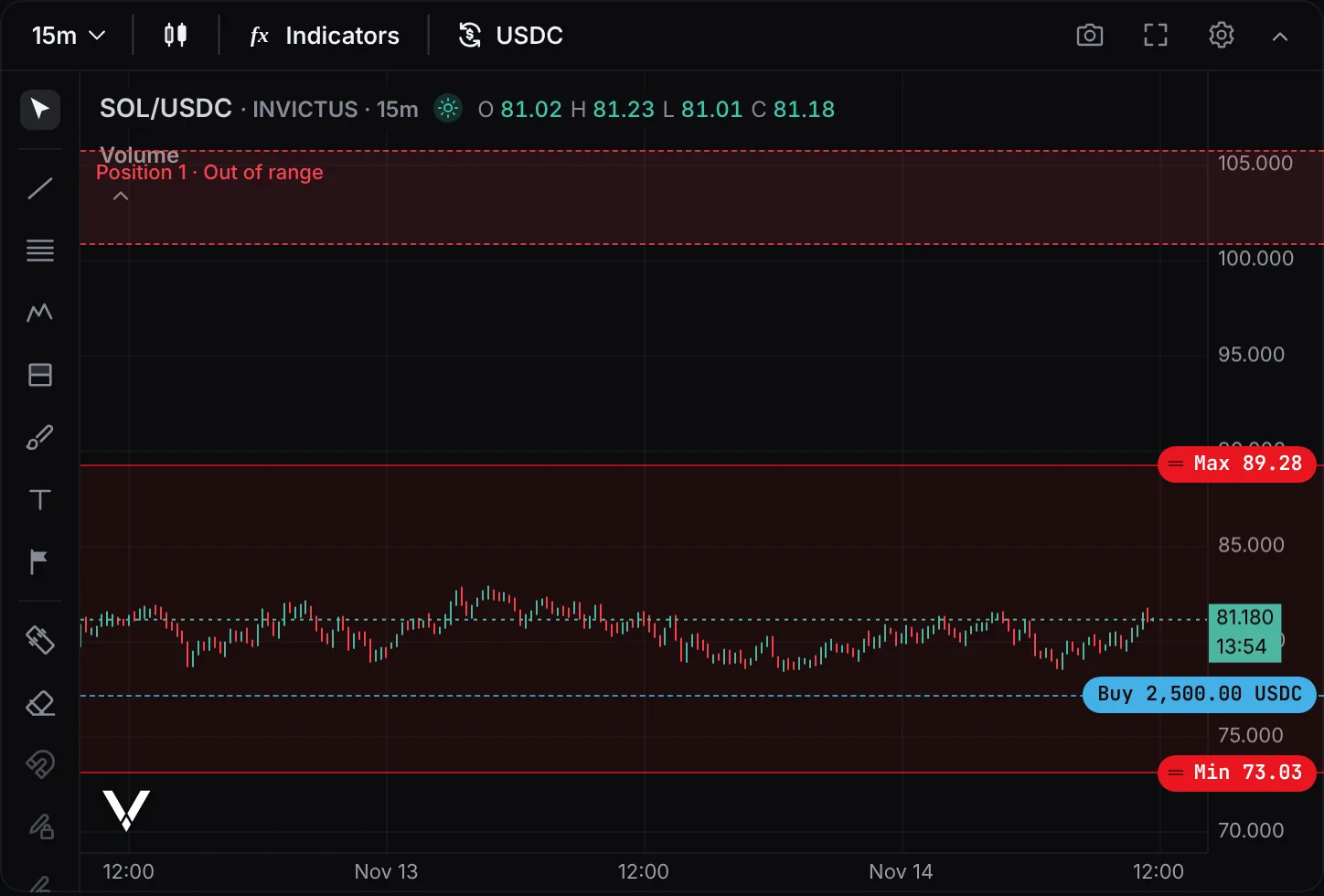
A pool that holds no liquidity has no price to chart, and says so.
The pool panel
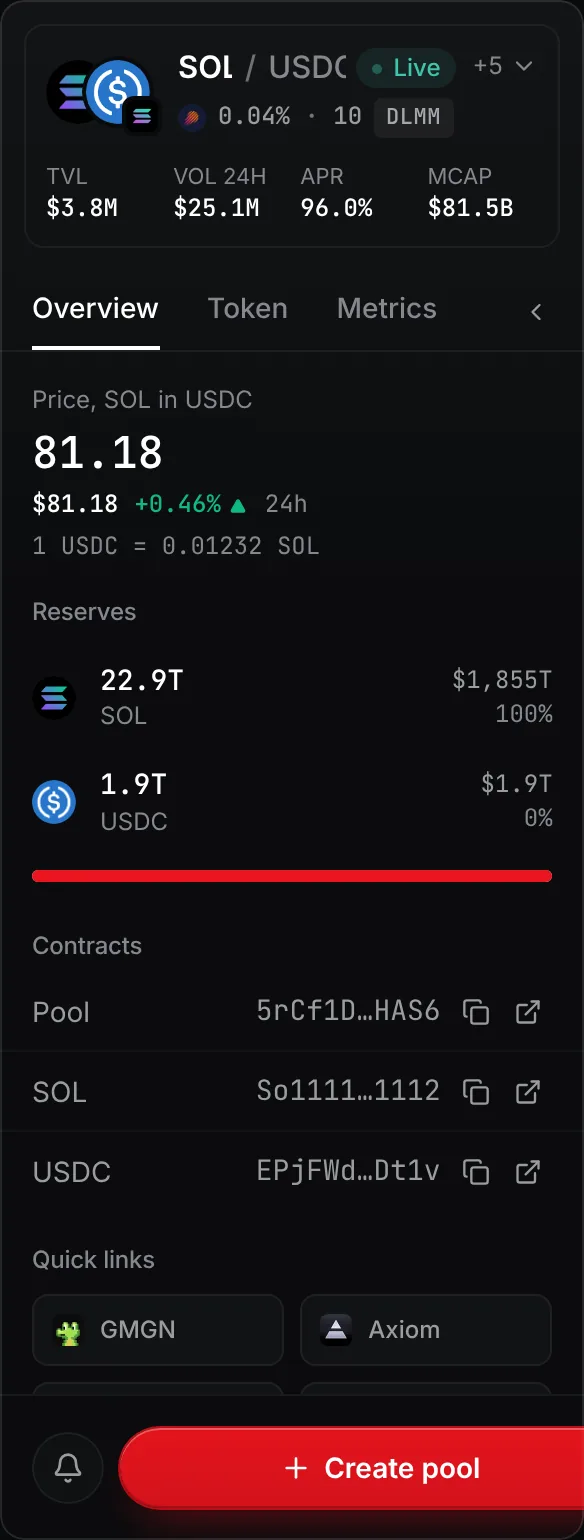
Overview
The pool’s identity and its contracts: the protocol and version, the fee tier, the tick spacing or bin step (how finely prices are divided), the Pool ID or address with a copy button, the reserves of each token and quick links to the pool on a block explorer.
Token
The base token itself, with its Security card. The checks come from GoPlus, an independent token-security service, and are shown as they are answered:
| Check | What it asks |
|---|---|
| Honeypot | Can the token be bought but not sold? |
| Mint auth | Can someone still make more of the token? |
| Freeze auth / Pause auth | Can the owner stop one address, or every address, from moving it? |
| Blacklist | Can the owner stop an address from trading? |
| Transfer fee | Does every transfer take a fee? |
| Transfer hook | Does a program run on every transfer, which could stop it? |
| Proxy | Can the owner swap the code behind the token? |
| Hidden owner | Does an owner keep control after ownership looks given up? |
| Balance auth / Metadata auth | Can someone change what an address holds, or the token’s details? |
| Open source | Is the contract’s code published and verified? |
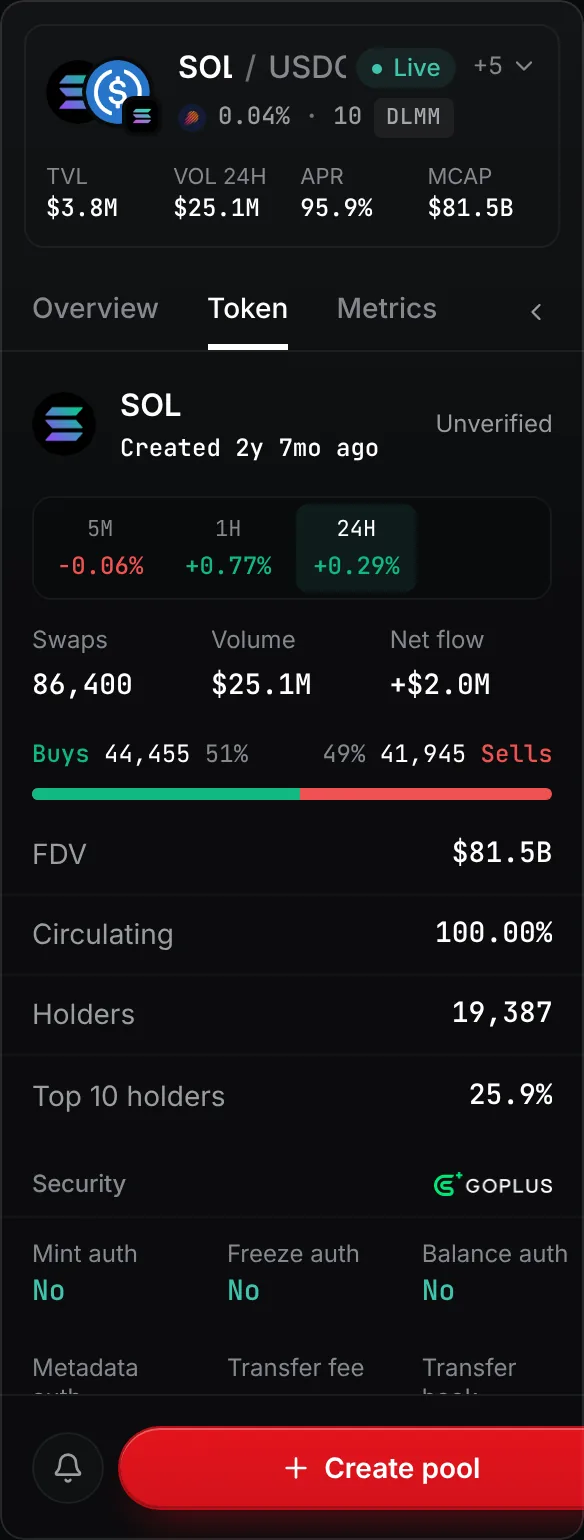
Metrics
The pool’s figures over time: price change, volume, fees, TVL and APR for each timeframe.
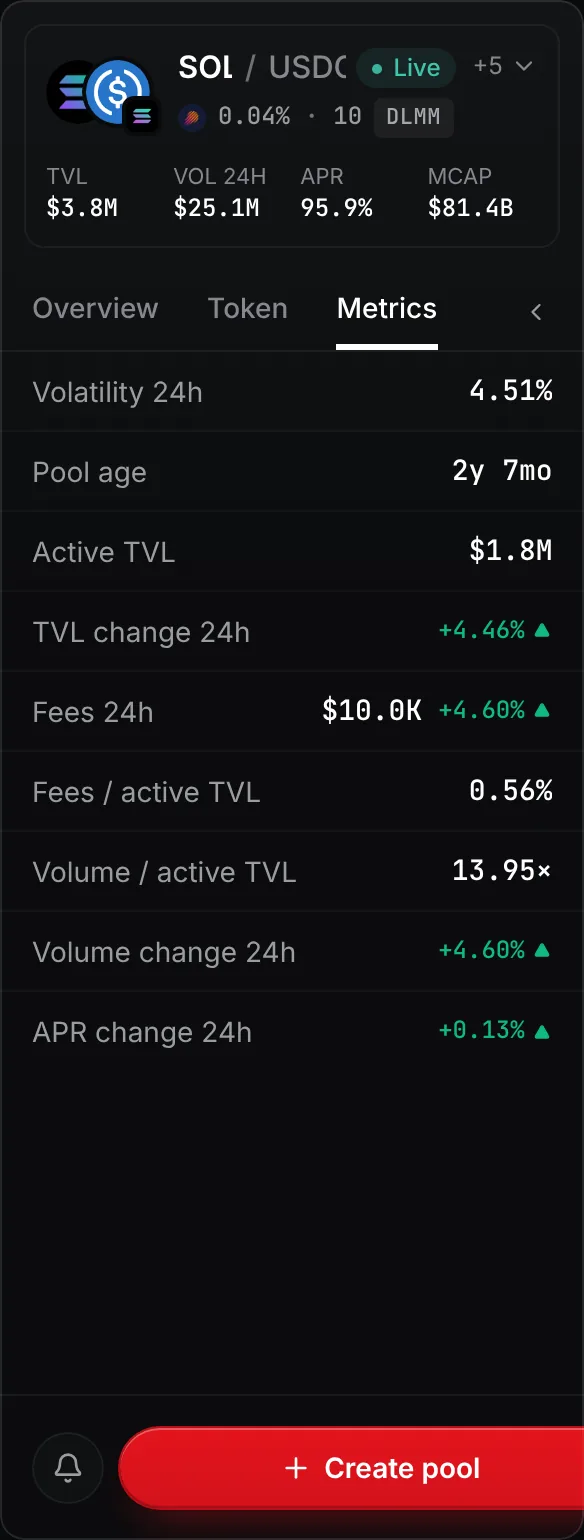
The bell icon in the pool panel sets an alert on this pool: a price level, a price move, or a change in fee APR, TVL, volume or liquidity.
The trade panel
| Tab | Use it to | Guide |
|---|---|---|
| Create position | Put tokens into this pool and start earning fees. | Open a position |
| Swap | Trade one token of the pair for the other, now. | Swap |
| Limit | Buy or sell at a price you choose, later. | Limit orders |
Activities
| Tab | What it lists |
|---|---|
| Positions | Your positions in this pool, with In range, Near edge or Out of range, and their actions. |
| Orders | Your open limit orders in this pool. |
| History | Everything you did in this pool: zaps, swaps, position actions and orders, with a link to each transaction. |
Bin pools look slightly different
On a DLMM pool (Meteora DLMM, Ramses DLMM, PancakeSwap Infinity Bin), liquidity sits in separate price bins. The trade panel adds a Shape picker and a Bins unit for the range. See DLMM and bins.