
Create a pool
How to create a new liquidity pool for any token pair, choose its protocol, fee and starting price, and make the first deposit.
If the pair you want has no pool yet, you can create one. Creating a pool is an advanced action: you set its starting price, and a pool that starts at the wrong price can be traded against at once. Read this page to the end before you start.
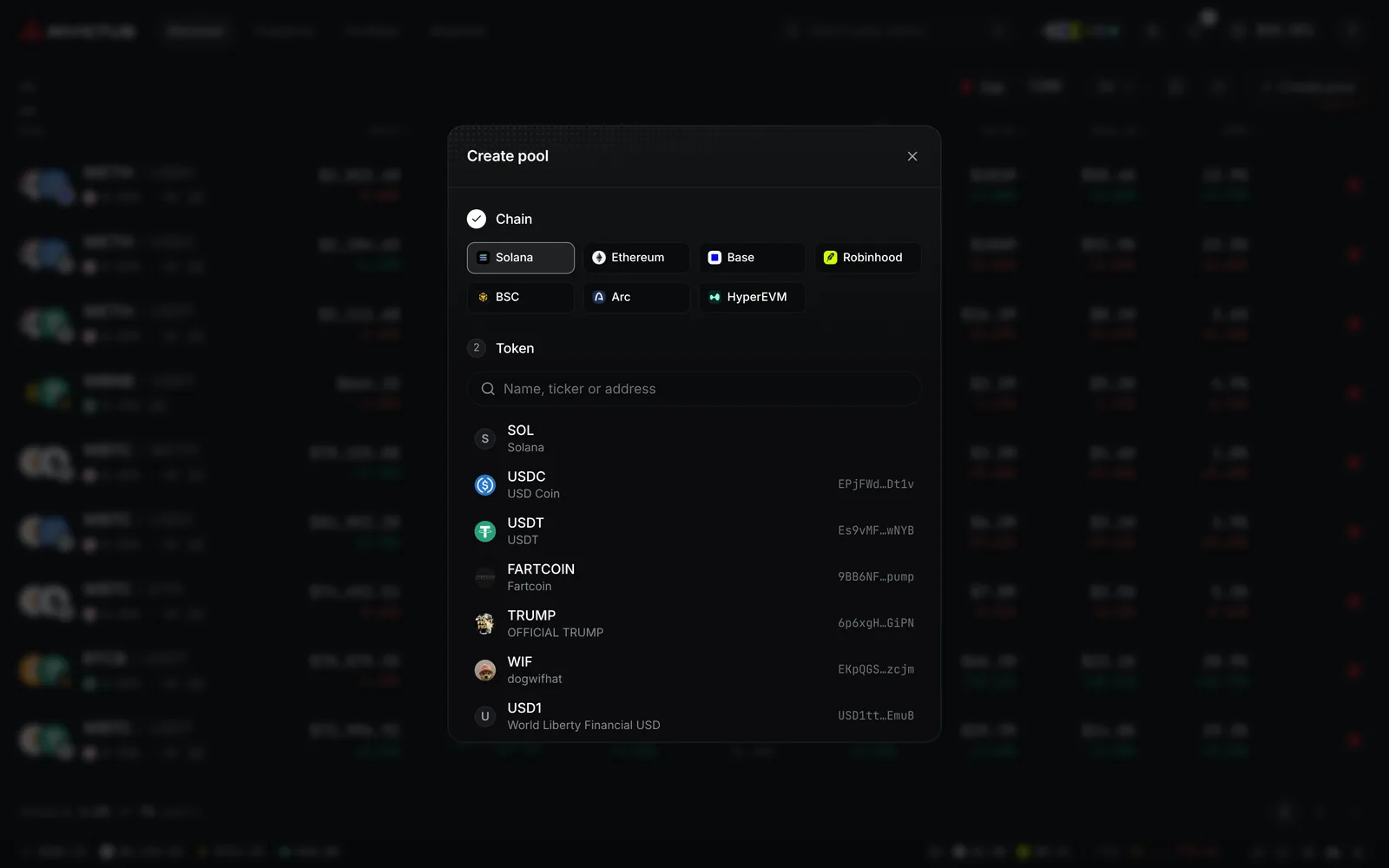
Create it
Choose the chain and protocol
Press Create pool at the end of the tools on Discover, or at the foot of a pool panel to start another pool of that token. Pick the Chain, then the Protocol and version. The options that follow depend on the version you pick.
Choose the pair
Search the Token you want to list and the Quote token it trades against, such as USDC or the chain’s native token. If a pool with the same settings already exists, the dialog says This pool exists.
Choose the fee and spacing
Pick a Fee tier. Depending on the protocol you also choose a Tick spacing, or a Base fee and bin step for a bin pool, or a Curve. Some versions accept a Hook contract and a Dynamic fee set by the hook.
Set the starting price
Type the Starting price. An empty pool trades at once at this price, so start it at the market price you can see elsewhere.
Add the first deposit
Fill First deposit. Trading starts once it lands. On versions that allow it, choose when Trading opens: Now or Later, at a time you set.
Review and sign
Press Create pool, read the review and press Confirm and sign.
After it confirms, the new pool appears in Discover and you have its first position in Positions.